Ellis Jung · 16 October 2026
Inside Note-Taking Apps: The Untold Story of File Format Compatibility Challenges
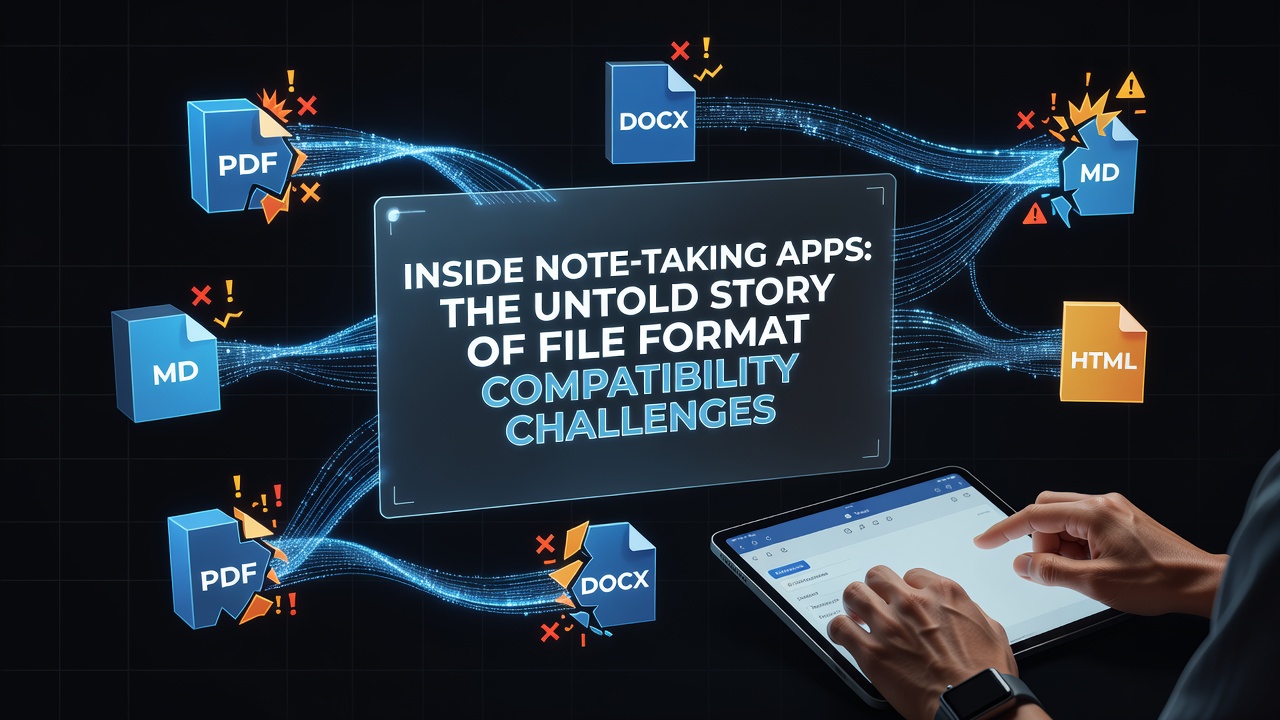
Developers have created dozens of note-taking applications over the past two decades, yet each one tends to store information in proprietary structures that resist easy transfer to competing services, and this pattern continues to affect millions of users who switch platforms for better features or pricing. Research from academic institutions shows that formats such as Evernote's ENEX, Microsoft OneNote's proprietary .one files, and Notion's database exports create friction during migrations because they embed metadata and attachments in ways that other programs cannot parse without custom converters.
Historical Development of Note Formats
Early note apps relied on plain text or simple RTF files that moved between systems with minimal issues, but as features expanded to include rich media, tags, and linked databases, companies adopted closed formats to protect their ecosystems and maintain control over user data. Observers note that the shift accelerated around 2010 when cloud synchronization became standard, locking content into vendor-specific servers while export options remained limited to PDF or basic HTML that stripped away structure and searchability.
Core Compatibility Problems Across Platforms
Users attempting to move notes from one app to another frequently encounter lost formatting, broken internal links, and missing attachments because no universal standard governs how notes encode headings, checkboxes, or embedded images. Data indicates that Markdown-based tools like Obsidian and Logseq handle plain text well but struggle when importing from apps that store content as serialized objects or encrypted blobs, leading to incomplete transfers that require manual cleanup. Researchers at various universities have documented cases where entire notebooks failed to import correctly due to unsupported character encodings or proprietary date stamps that other software could not interpret.
Case Examples from Major Applications
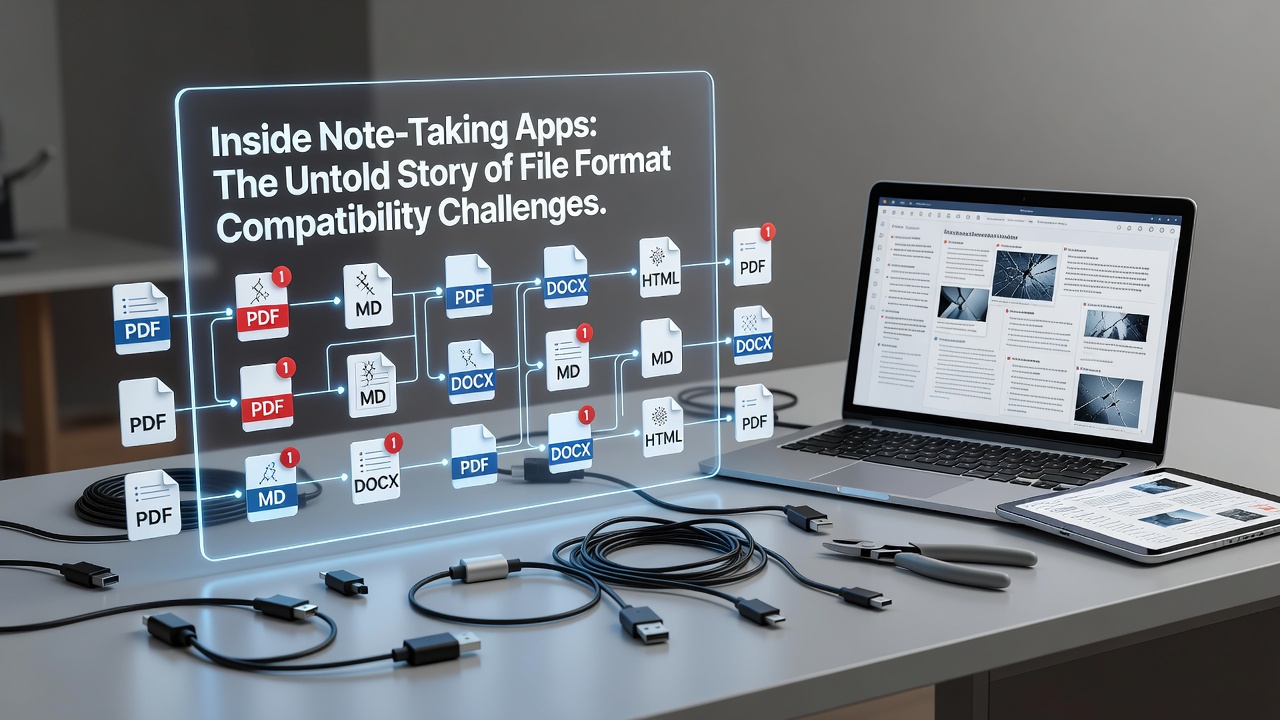
Evernote's ENEX format wraps notes in XML with base64-encoded attachments, which works for its own ecosystem yet demands specialized parsers when users export to competitors such as Bear or Joplin. OneNote files, stored in a compound document format similar to older Microsoft Office files, resist direct editing outside the OneNote environment and often require conversion through intermediate HTML steps that lose hierarchical section information. Notion exports arrive as ZIP archives containing Markdown and CSV files, yet relational database properties and embedded views disappear during the process, forcing users to rebuild structures manually. Those who have studied these migrations report that even dedicated conversion utilities developed by third parties achieve only partial success rates because the source formats evolve with each app update.
Efforts Toward Standardization and Interoperability
Industry groups and standards bodies have explored common interchange formats, including extensions to OPML and attempts to define a shared note schema, but adoption remains uneven because companies prioritize unique features over seamless exchange. According to guidelines published by the International Organization for Standardization, data portability requirements emphasize structured, machine-readable exports, yet most note-taking services still default to formats that meet only minimal compliance. In October 2026 several platforms announced expanded support for HTML5-based exports that preserve more semantic information, though full round-trip fidelity between unrelated apps continues to lag behind user expectations.
Technical Barriers and Emerging Solutions
Encryption layers, custom rendering engines, and database schemas that store notes as interconnected objects rather than flat files represent the main technical hurdles, and developers have responded with open-source bridges that translate between specific pairs of applications. Evidence from developer communities shows that projects focused on bidirectional converters for Markdown and HTML achieve better results than attempts to create a single universal format because each app maintains distinct data models. Government initiatives in regions such as the European Union and Australia have begun requiring clearer data export mechanisms under digital rights frameworks, which may push vendors toward more consistent practices over the next several years.
Conclusion
File format compatibility challenges in note-taking apps stem from competing commercial interests and technical design choices that prioritize feature depth over interchangeability, and these issues persist even as users demand greater freedom to move their information. Continued development of converters, wider adoption of structured export standards, and regulatory pressure on data portability together shape the trajectory toward improved interoperability, while the core problem remains rooted in the absence of a universally accepted note representation format.